

What is it?
Project N.O.M.A.D. (Node for Offline Media, Archives, and Data) is a free, open-source offline server that bundles Wikipedia, offline maps, educational content, and since recently, an AI assistant, on your own hardware without internet access.
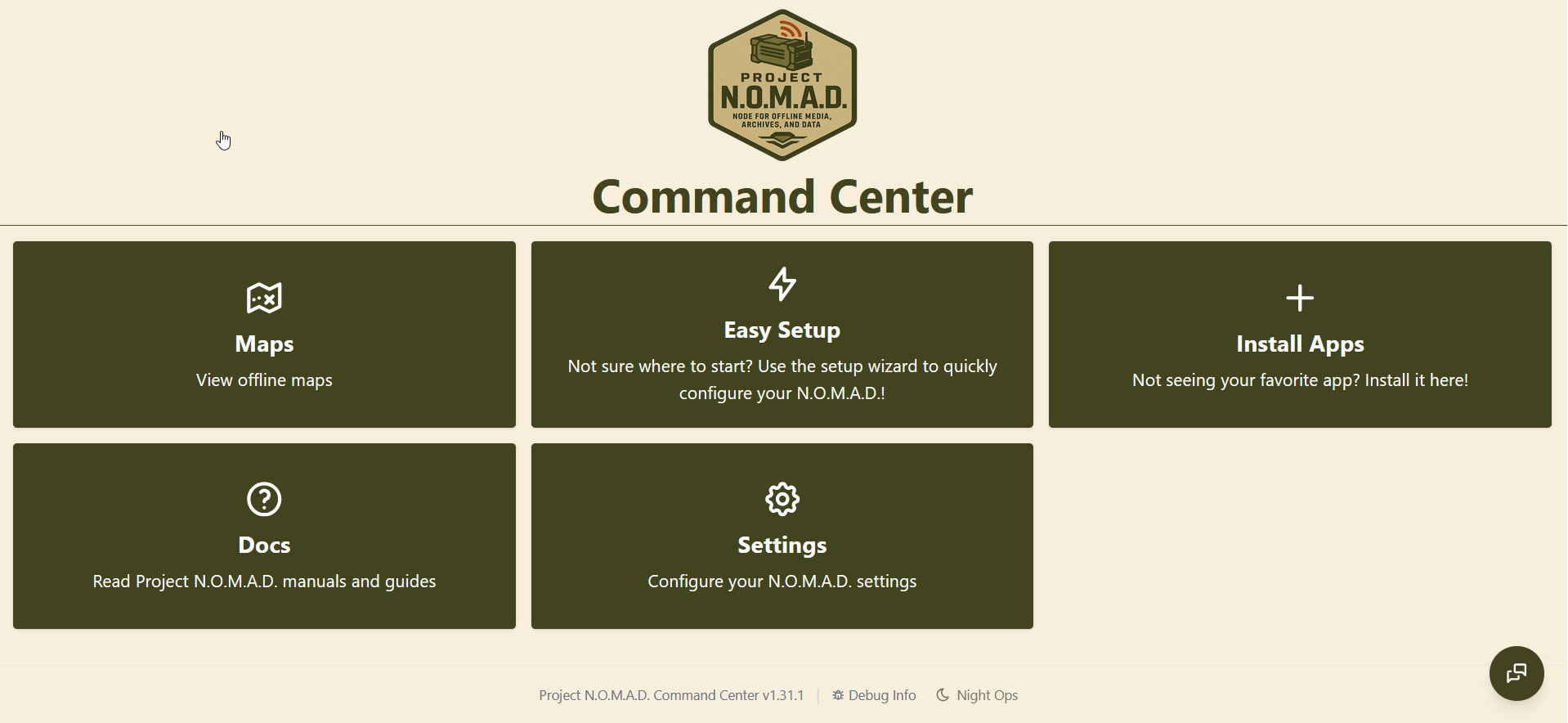
The main backbone is Kiwix, an open-source software that lets you browse Wikipedia, TED talks (yes, I know), Stack Exchange, Project Gutenberg, medical references, repair guides, and many other resources without a connection. Kiwix alone is available on all platforms and is worth knowing about, even outside of NOMAD.
On top of that, NOMAD bundles Ollama for running LLMs locally and privately, maps based on OpenStreetMap for offline navigation, and Kolibri for a full Khan Academy curriculum.
A full list of included tools is shown below.
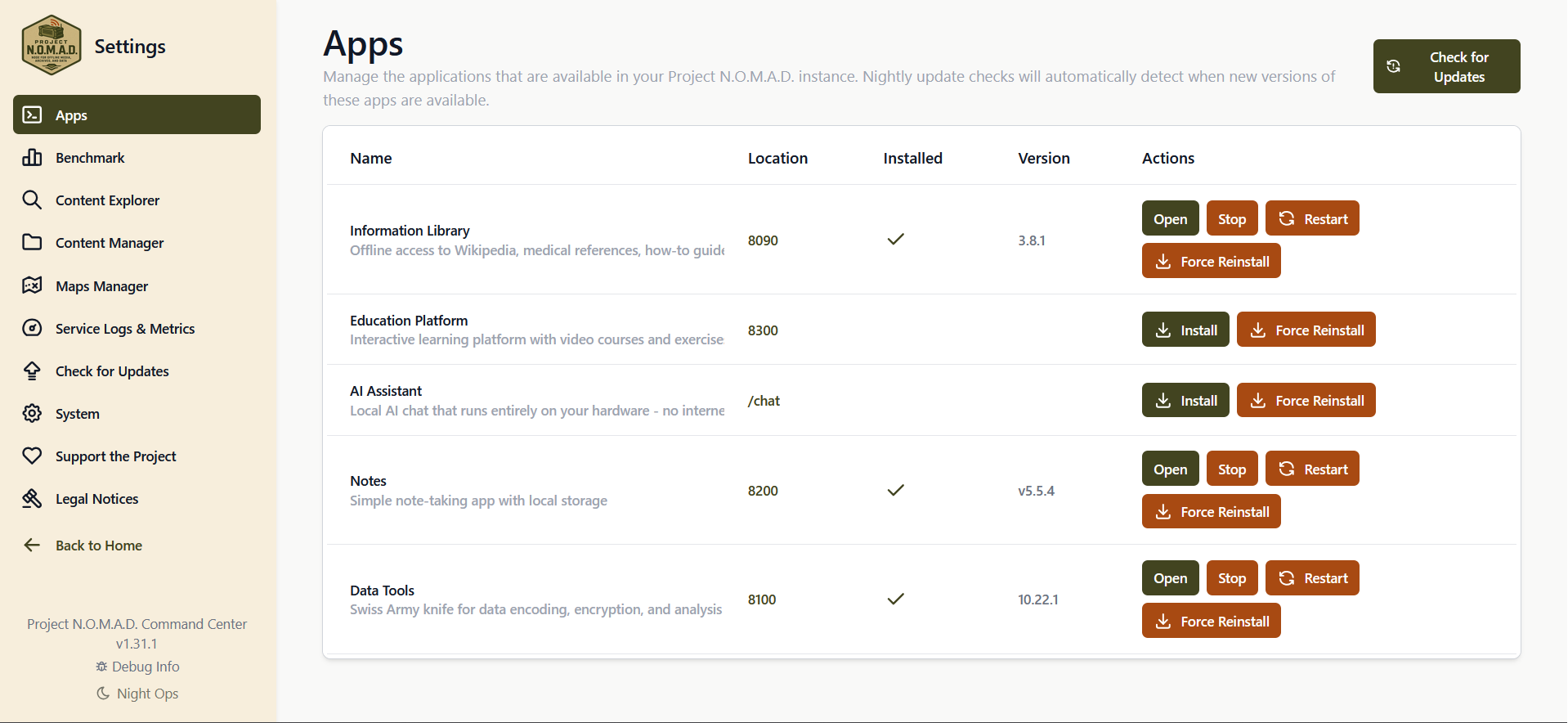
This is essentially a glue: an installer and dashboard that agglomerates existing open-source components into a coherent system.
Target audiences range from emergency preppers / off-grid people (cabins, RVs, sailboats) to educators and people in developing countries with limited Internet access.
Why it's interesting
The best thing about NOMAD is that it's completely free. There are commercial alternatives like the Doom Box but they charge real money for similar functionality.
It also runs on any PC: it is not locked to specific hardware like others projects, which means you can use any machine for it, from serious hardware at it, including GPU-accelerated AI inference to your dust-gathering Chinese mini-PC.
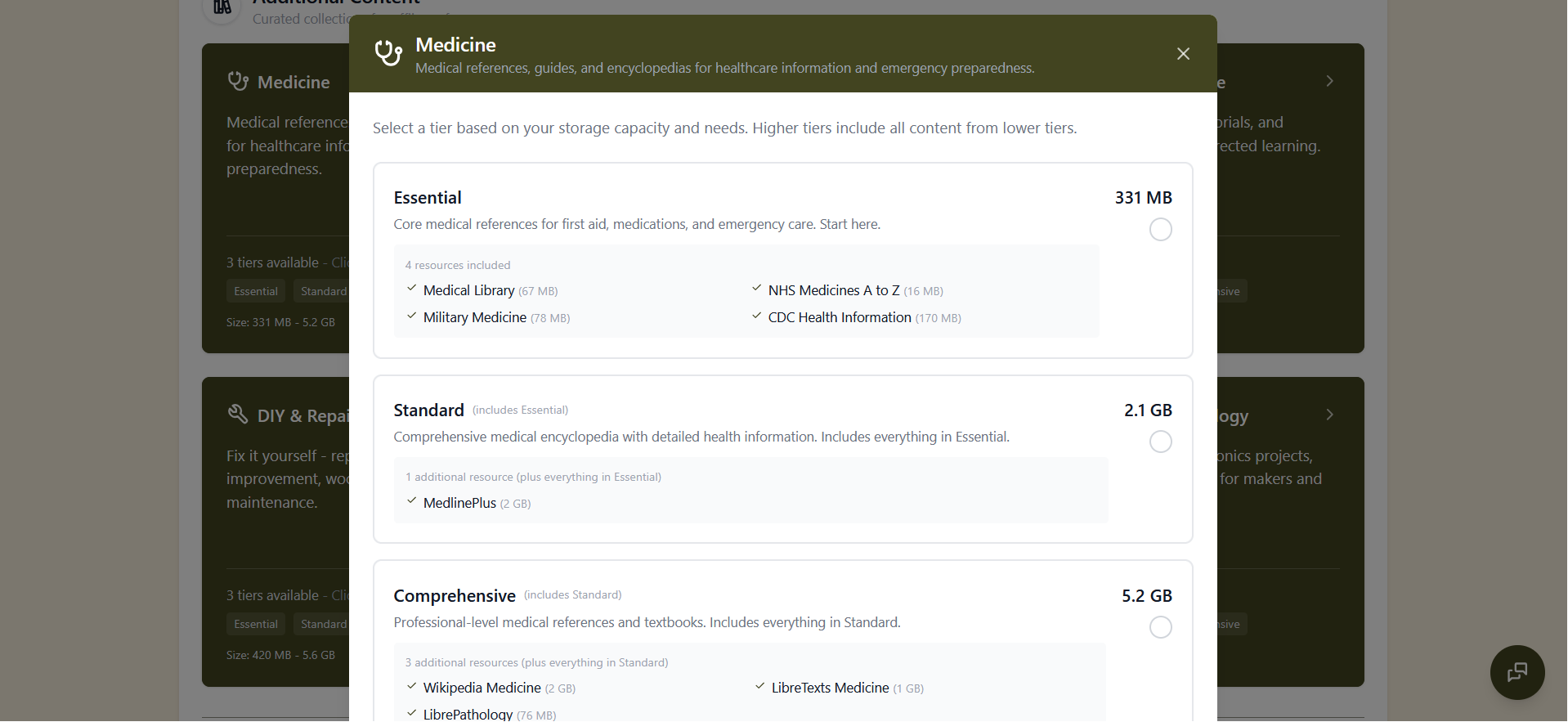
The knowledge base is massive: hundreds of GB of data from Wikipedia, medical references, survival guides, literature, and more, all stored locally.
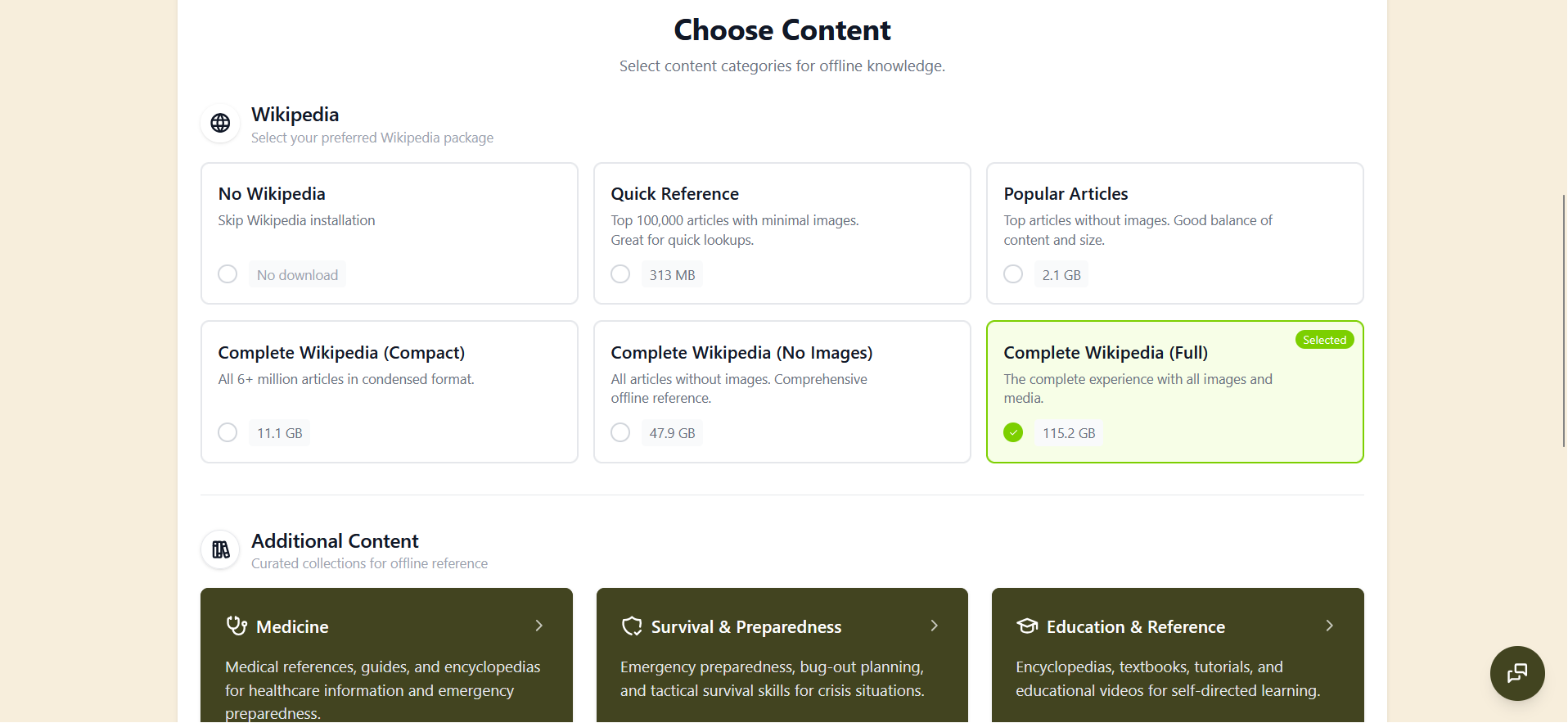
Finally, the system is modular. You can install only what you need and expand over time. No proprietary black boxes, no subscriptions, no vendor lock-in. Since NOMAD is Apache 2.0 licensed, the code is perfectly auditable.
Installation
Both installation on Ubuntu 24.04 and WSL Ubuntu worked fine for me. Follow carefully the instructions for WSL2 though.
Install:
sudo ./install_nomad.sh
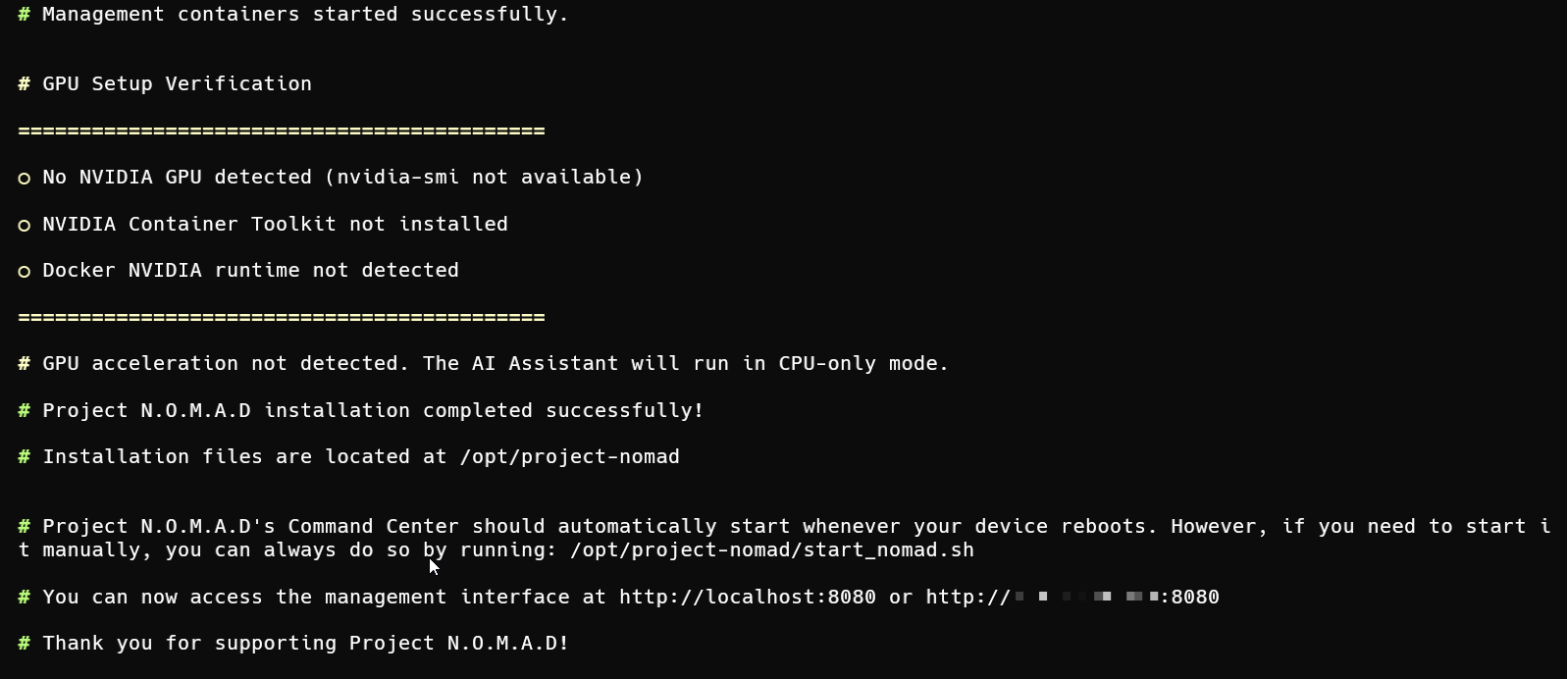
Start the server:
/opt/project-nomad/start_nomad.sh
Access the main dashboard and run the Easy Setup.
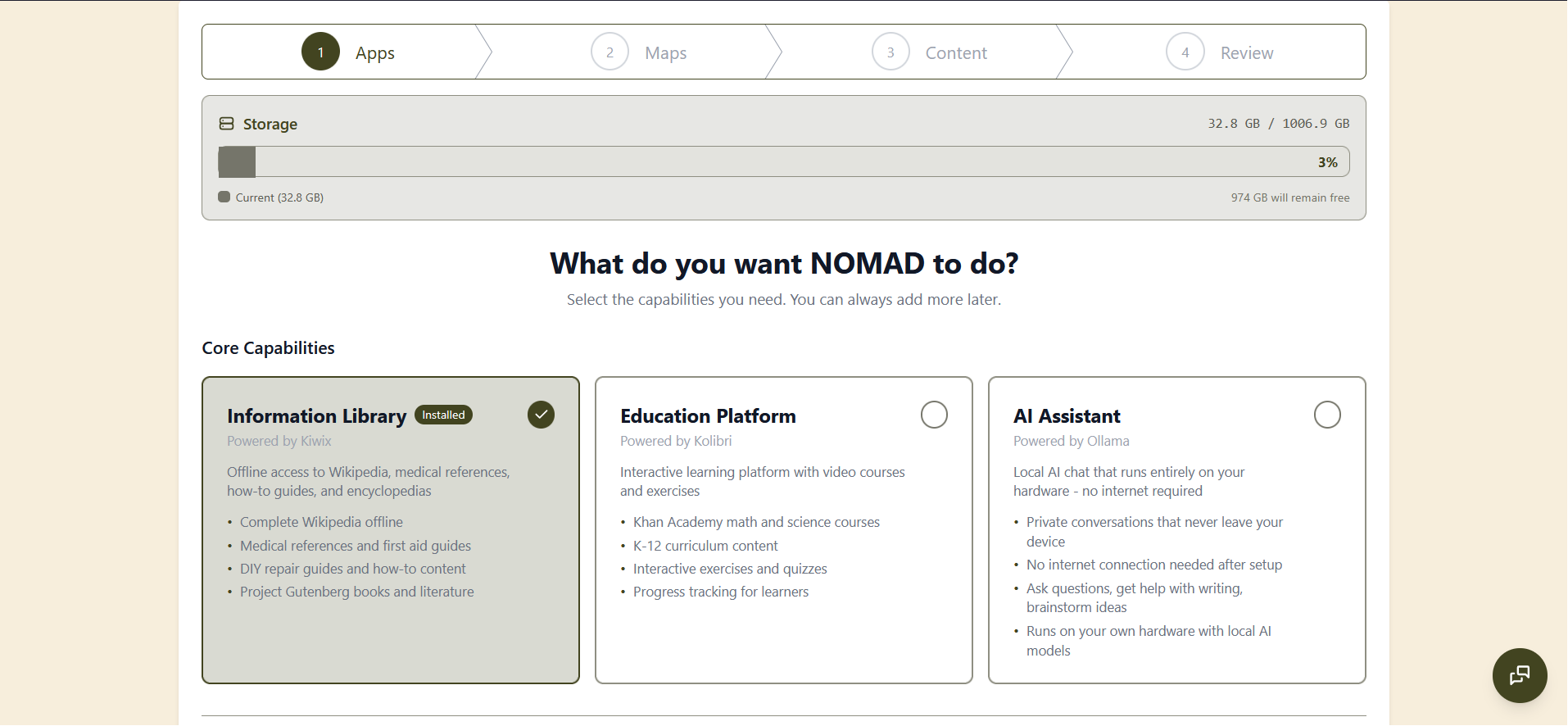
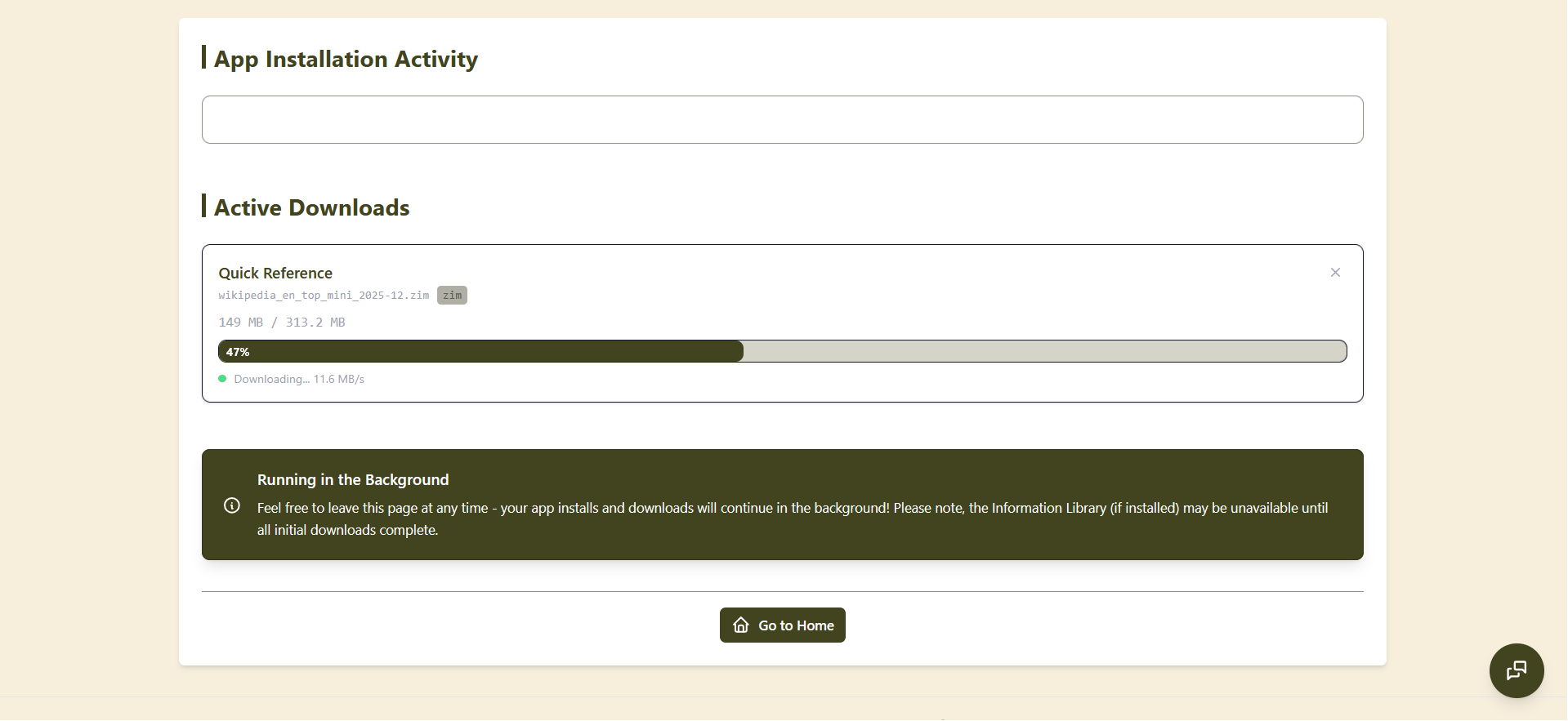
You will be able to select the applications and data to download.
A Docker-compose (distro-agnostic) version is available here.
If you just want to test, don't worry, you can remove it easily afterwards. The uninstall process is explained at the bottom of the main GitHub page.
Things to be aware of
The recommended hardware is heavy: AMD Ryzen 7, 32 GB RAM, 1 TB SSD, and a GPU. Older machines will struggle with the AI features. On a low-cost machine or one without a GPU, the AI component (Ollama) doesn't work very well — don't expect NOMAD to have solved that problem for you.
It's Linux-first. Ubuntu/Debian is recommended, and Windows users must go through WSL2, which adds complexity. The setup is pretty easy though if you're a bit tech-savy.
All content, Wikipedia dumps, maps, educational packs, has to be downloaded ahead of time. A full setup can consume hundreds of gigabytes, so foresee a bit of storage.
As of today (May 2026), the local LLMs, even GPU-accelerated, fall far short of cloud frontier models (GPT-5, Claude, etc.) in capability.
Also running on a desktop requires power infrastructure, so true off-grid use needs careful power planning. But I guess if you're comfortable with solar panels and batteries, it should be fine.
As in any community-driven project, long-term maintenance depends on volunteers. There's no guaranteed update schedule or security patches.
Not really suited for Europeans out of the box
Big issue: there are no European maps by default! There are interesting threads about how to build and add them here, and some PRs in the project-nomad-maps sub-project, but they remain unmerged. A community attempt for Europe maps exists but is still a work in progress.
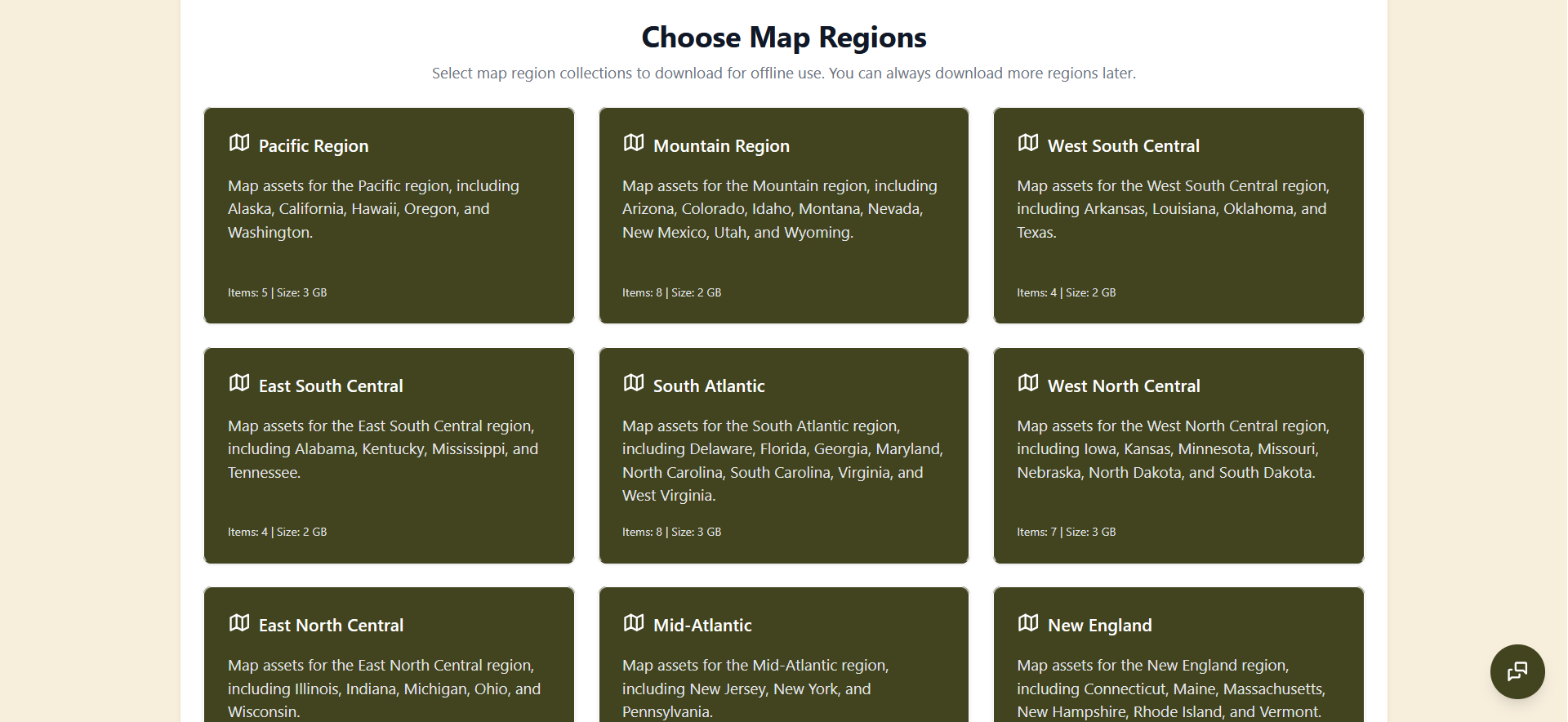
More broadly, the project is very US-centric. It doesn't work as well for Europe, where we have around 50 languages and a vastly different books library landscape. The content and defaults are aimed at an English-speaking, US-based audience.
Honest thoughts
From a prepper point of view, Project NOMAD won't "replace the Internet". If the Internet falls, it will still be complete chaos even if you have the full content installed, and you might have bigger issues to solve than consulting Wikipedia. But it's an decent attempt to backup and consult locally some of the human knowledge accessible online.
That said, for anyone who wants resilient, private, internet-independent access to knowledge and AI, it could be genuinely useful. The zero cost and hardware flexibility make it stand out from commercial alternatives. It can be a nice project to setup at home, even if your server is not up all the time.
The idea is nice, I like it. The execution is good: the UI is clean and simple to use. My main disappointment is that it was clearly not made with Europe in mind. Also as self-hosted home server, you can't easily add extra tools, like in UmbrelOS.
Anyway if you're a bit comfortable with Linux, have a reasonably modern PC and want "to be ready", it's hard to find a better and easier offline knowledge platform.